Quire Paper / Technical & professional / Project Planner
For Excel & Google Sheets

Type the tasks. The plan draws itself.

A project dashboard that runs on your task list: status counts, overdue alerts, days-left per task, and a weekly Gantt timeline — all automatic.

Available soon See what's inside
Instant .xlsx downloadWorks in Excel & Google Sheets100 tasks · 24-week timeline
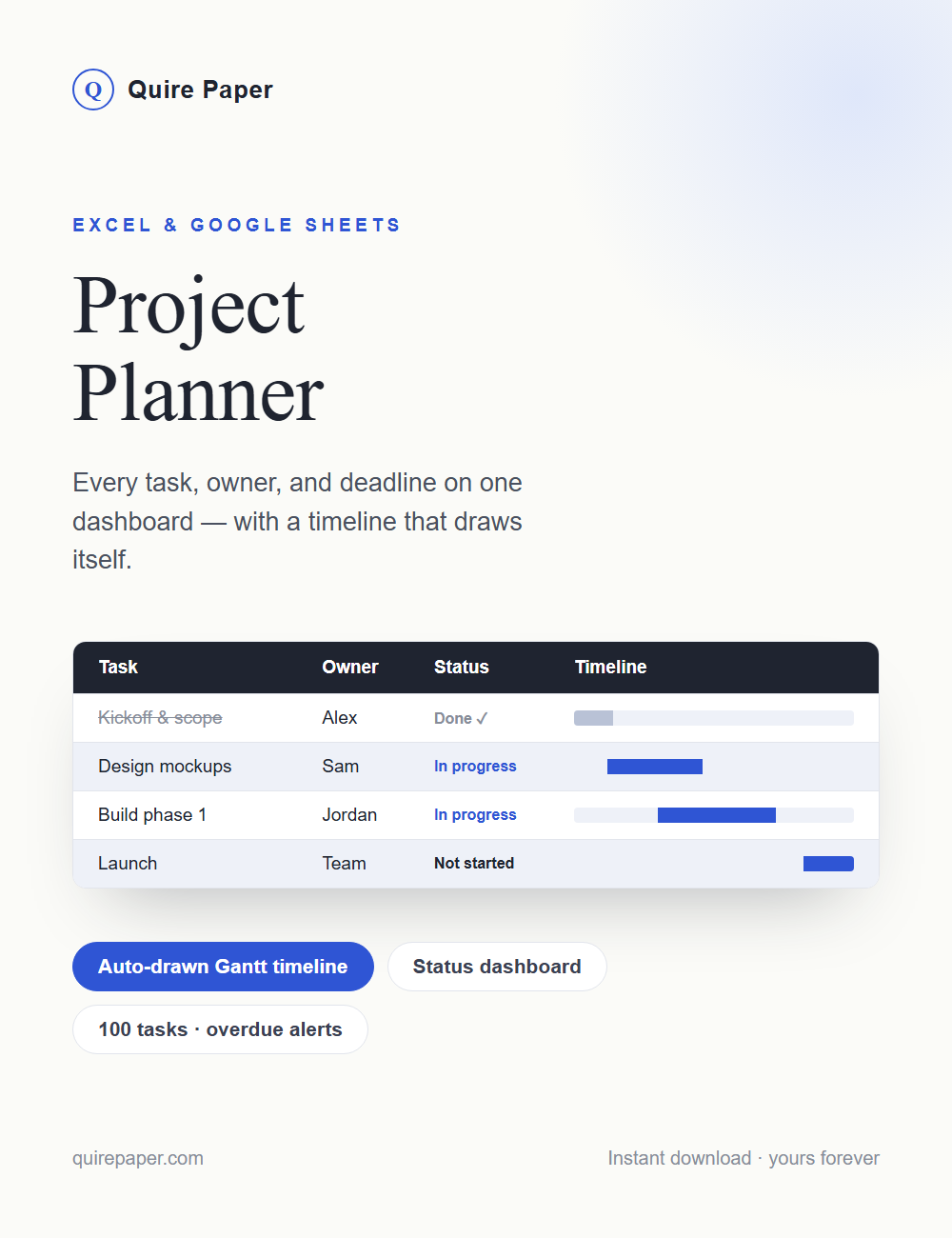
Project Planner cover

Project software wants a subscription.
This wants five columns.

How it works

One task list in. A whole dashboard out.

No setup, no formulas to write — the workbook is finished. You just describe your project.

01

Name your project

Project name, start date, and target finish — three blue cells at the top set up everything else.

02

List your tasks

Task, owner, priority, status, start, and due date. Priority and Status are dropdowns, so entries stay consistent.

03

Watch the dashboard fill in

Tasks, done, in progress, overdue, percent complete, and days to target — computed live in the status card and totals ribbon.

04

Read the timeline

A weekly Gantt strip draws a bar for every task from its dates — cobalt while it's live, gray once it's done.

05

Catch what's slipping

Every unfinished task past its due date gets a red OVERDUE flag, and days-left counts down per task using today's date.

06

Finish and archive

Mark tasks Done and they gray out with a strikethrough — progress climbs, and the file becomes its own project record.

What's inside

One dashboard workbook, ready to run.

  • Dashboard planner sheetDark dashboard header with project and status cards, a totals ribbon, and a 100-row task table with pinned headers and banded rows.
  • Auto-drawn Gantt timeline24 weekly columns dated from your start date — bars appear and update as you edit tasks. No charts to fiddle with.
  • Locked down like softwareOnly the blue cells and columns are editable — formulas and the timeline can't be broken by a stray click. Unlock password included in the guide.
  • How-to guideA one-page tab with quick-start steps, the unlock password, and Google Sheets instructions.
Inside Project Planner
Get it now
$12 · one-time

Project Planner

One workbook per project — plan it, run it, archive it. Download once, use it for every project you ever run.

Available soon
Instant download · Personal-use license · A planning tool — one workbook per project works best.
More from Quire Paper

You might also like